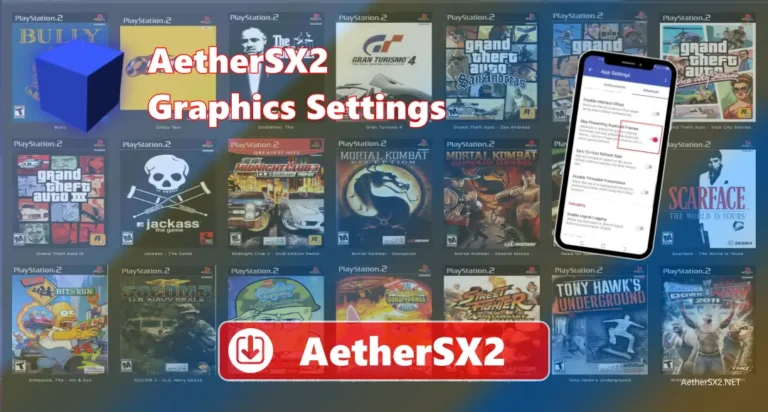
Vulkan and OpenGL are two graphics options available in AetherSX2. They help the emulator display PS2 games on your Android device. These graphics options make games run smoothly and improve how they look. They also support higher game resolutions, better textures, and clearer graphics than the original PS2 console. AetherSX2 lets you switch between Vulkan and OpenGL at any time in the settings, so you can choose the one that works best for your device.
Vulkan vs OpenGL in AetherSX2: Quick Comparison
| Feature | Vulkan | OpenGL |
| Best For | High-end Android phones | Older or mid-range Android phones |
| Performance | Faster on many devices | Stable on most devices |
| Frame Rate | More stable | Can vary by device |
| CPU Usage | Lower | Higher |
| GPU Usage | More efficient | Less efficient |
| Graphics Quality | Excellent | Very good |
| Shader Compilation | Faster | May take longer |
| Battery Usage | Usually lower | Can be higher |
| Heat Generation | Usually less | Can be more |
Key Differences Between Vulkan and OpenGL
| Difference | Vulkan | OpenGL |
| Graphics API Type | Modern graphics API | Older graphics API |
| CPU Control | More direct control | More driver-controlled |
| Multi-Core Support | Better | Limited |
| Rendering Speed | Usually faster | Usually slower |
| Resource Management | Manual and efficient | Automatic and simpler |
| Shader Handling | More efficient | Less efficient |
| Performance Tuning | More optimization options | Fewer optimization options |
| Device Support | Better on newer GPUs | Better on older GPUs |
Which Graphics API Is Better for Low-End Phones?
If you have a low-end or older Android phone, OpenGL is usually the better option. It works well on many older devices and is less likely to have graphics problems. Some low-end phones can use Vulkan, but it may not run every game smoothly because some of game requires high graphics. If you notice lag, crashes, or other issues while using Vulkan, you can switch to OpenGL. It is a good choice for getting a more stable gaming experience on phones with lower hardware.
When Should You Use Vulkan?
You should use Vulkan if you have a powerful Android phone. It helps many PS2 games run more smoothly and can give better performance than OpenGL on supported devices. It also works well when you play games at higher resolutions or use better graphics settings. If your phone supports it properly, it is usually the best option for getting smooth gameplay and better graphics. However, not every game works the same way. If you see lag, graphics problems, or, you can switch to OpenGL.
When Should You Use OpenGL?
You should use OpenGL if you have an older or low-end Android phone. It works well on many devices and can give a smooth gaming experience. If a game has lag, graphics problems, crashes, or a black screen while using Vulkan, try switching to OpenGL. Some PS2 games also run better with OpenGL, depending on your device. AetherSX2 lets you change between Vulkan and OpenGL at any time, so you can use the graphics option that gives you the best performance for each game.
Vulkan vs OpenGL in AetherSX2: Which Is Better for You?
The best graphics option depends on your Android phone’s specifications and the PS2 game you want to play. If you have an older or low-end phone, OpenGL is a good option because it works well on many devices and gives smooth and stable gameplay. If you have a more powerful phone, Vulkan is usually the better choice. It can help games run faster, make gameplay smoother, and improve overall performance. Vulkan also gives better graphics and makes better use of your phone’s hardware. Overall, both Vulkan and OpenGL are good options, but if your phone supports Vulkan properly, it is the better choice because it offers better graphics, smoother gameplay, and a better gaming experience.
Conclusion
Vulkan and OpenGL are both good graphics options in AetherSX2. The best choice depends on your Android phone and the PS2 game you want to play. If you have an older or low-end phone, OpenGL is a good option because it works well on many devices and gives smooth and stable gameplay. If you have a newer or more powerful phone, Vulkan is usually the better choice because it offers better graphics, smoother gameplay, and faster performance. The emulator lets you switch between Vulkan and OpenGL at any time, so you can try both and use the one that works best on your device.
FAQs
Is OpenGL better for low-end Android phones?
Yes. It works well on many older and low-end Android phones and usually provides a more stable gaming experience.
Why does Vulkan cause lag or crashes on some phones?
Some older or unsupported devices cannot fully use Vulkan. This can cause lag, graphics glitches, crashes, or black screens in some games.
Does Vulkan give better graphics than OpenGL?
Vulkan can provide better graphics and smoother gameplay on supported devices, especially when using higher resolutions and graphics settings.